Gmail
New messageTo: team@speaktext.pro
Quick update:
the draft is ready and I saved the notes in the shared doc.
micSpeaking into Gmail
English voice typing for Windows, built for local realtime writing without the copy-paste loop. Multilingual support is planned for a future update.
Optional settings
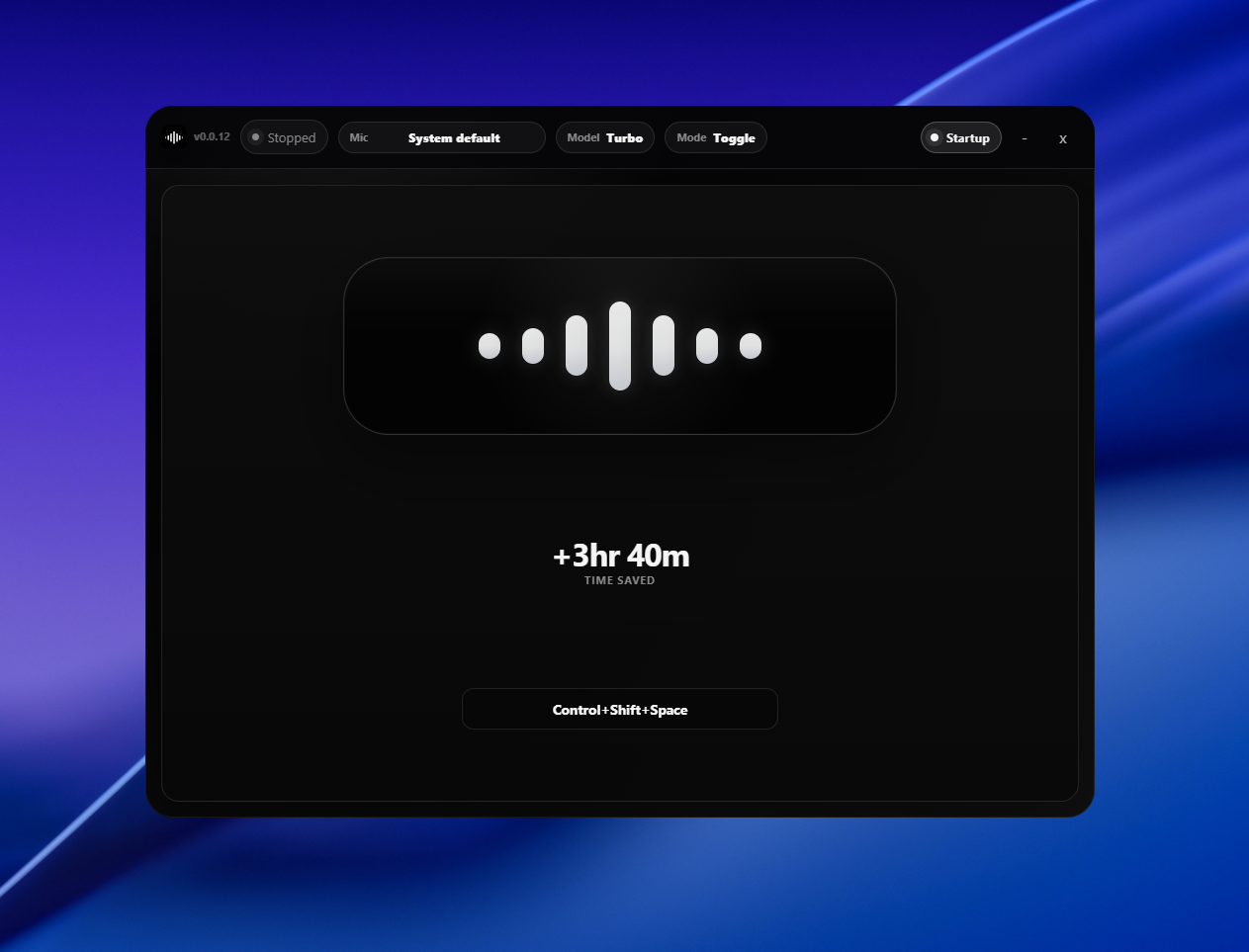
SpeakText works from a shortcut, but the settings window gives you a quiet place to choose your model, hotkey, device, and typing behavior. It also shows simple time-saved stats so the benefit stays visible over time.
1 key
Start or stop dictation
Local
Your speech stays on device
Time saved
Track the compounding gain
Click, speak, keep moving
Click into Gmail, a browser, your IDE, docs, chat, or any normal text field. Press your shortcut and SpeakText types at that cursor as you talk, without moving words through a separate transcript box.
Step 1
Click any text field.
Step 2
Hold your shortcut.
Step 3
Text appears there.
To: team@speaktext.pro
Quick update:
the draft is ready and I saved the notes in the shared doc.
speaktext.pro/docs
Find:
offline voice typing shortcuts for Windows
docs/productivity.md
## Notes
Use voice for the first draft, then keyboard-edit the details.
Capture thoughts at speaking speed and stay in your production toolchain.
Capture thoughts at speaking speed and stay in your production toolchain.
Capture thoughts at speaking speed and stay in your production toolchain.
No subscriptions. No tiers. Just a single purchase that never expires.
Single Lifetime License
€19.99 EUR
One-time payment. Free updates forever.
Runs locally on your Windows machine. GPU is recommended for fast realtime dictation; CPU also works, with speed depending on your hardware and model choice.
Secure payment. No subscriptions. No hidden fees.